
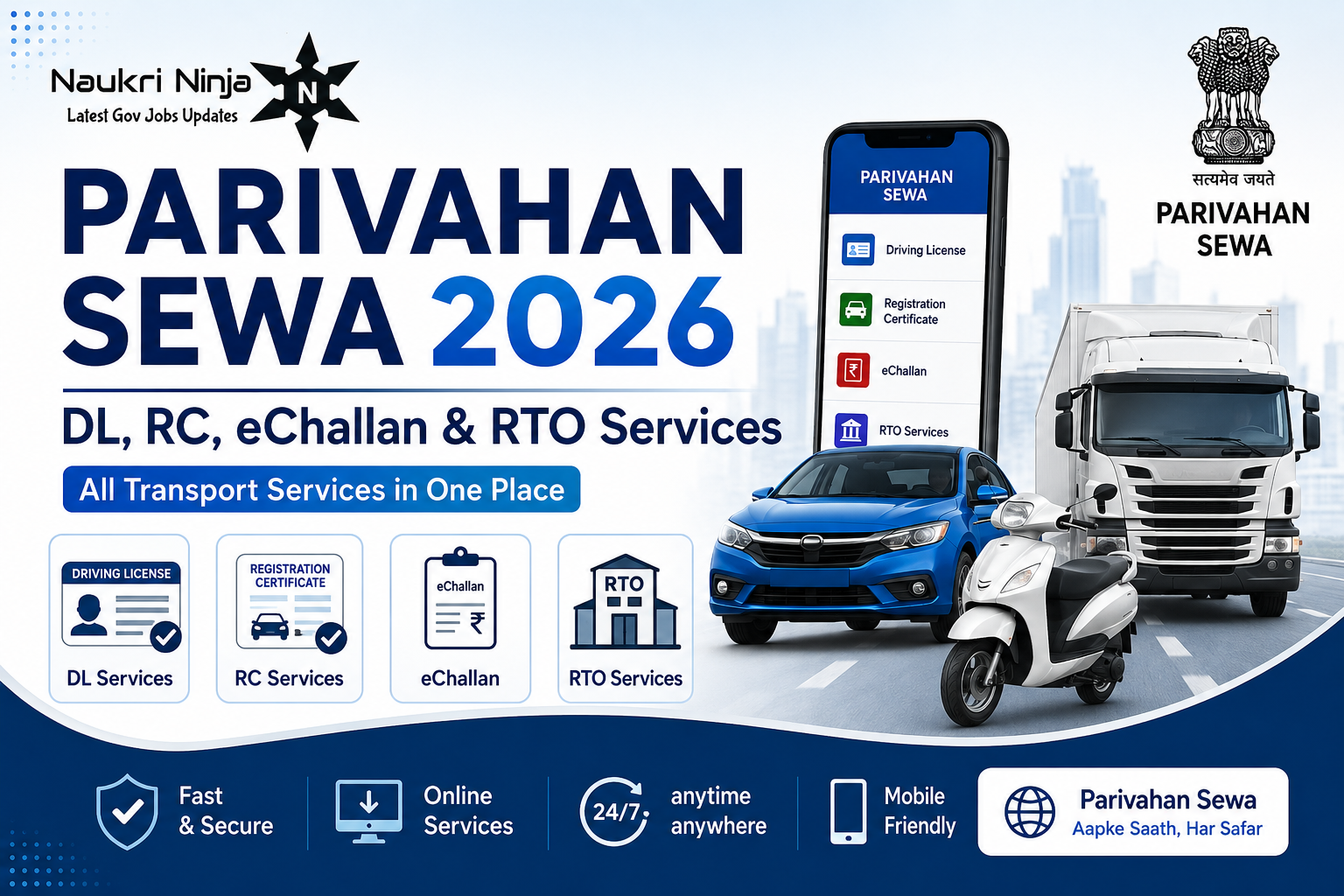
Parivahan Sewa is the official online portal of the Ministry of Road Transport and Highways (MoRTH), Government of India, that lets citizens handle almost every transport-related task — from getting a driving licence to registering a vehicle, paying traffic challans, and applying for permits — without standing in line at an RTO. It runs on parivahan.gov.in and connects over 1,300 Regional Transport Offices (RTOs) across the country through two backend systems: Sarathi (for driving licences) and Vahan (for vehicle records).
If you’ve landed here wanting one clear page that explains how the whole system fits together — DL, RC, eChallan, permits, the mParivahan app, and state-wise links — this guide covers it end to end.
Note: Naukri Ninja is an independent information resource. We are not affiliated with the Government of India. For actual transactions, always use the official portal at parivahan.gov.in.
What Is Parivahan Sewa?
Parivahan Sewa was launched as part of the Digital India initiative to digitise the work earlier done physically at RTO counters. Instead of every state running its own disconnected system, Parivahan Sewa standardises data and processes nationwide using two core platforms:
- Sarathi Parivahan – handles everything related to driving licences: learner’s licence, permanent DL, renewals, duplicates, address changes, and International Driving Permits.
- Vahan Parivahan – handles everything related to vehicles: registration certificates (RC), ownership transfer, fitness certificates, road tax, permits, hypothecation, and NOCs.
Both systems are linked to Aadhaar-based verification, which speeds up identity checks and reduces document fraud.
Services Available on Parivahan Sewa
1. Driving Licence (Sarathi) Services
- Apply for a new Learner’s Licence (LL)
- Apply for a Permanent Driving Licence (DL) after holding an LL
- Book a slot for the LL theory test or driving skill test
- Renew an expired or expiring driving licence
- Apply for a duplicate licence (lost, stolen, or damaged)
- Add a new vehicle class to an existing licence
- Apply for an International Driving Permit (IDP)
- Update name, address, or photograph on your licence
- Check driving licence application status online
- Download/print your licence
2. Vehicle Registration (Vahan) Services
- New vehicle registration and RC issuance
- Renewal of RC
- Duplicate RC (lost or damaged)
- Transfer of ownership
- Change of address on RC
- Hypothecation addition/termination (for vehicles on loan)
- Fitness certificate for commercial vehicles
- NOC (No Objection Certificate) for inter-state transfer
- Fancy/VIP number booking
- Vehicle scrapping request
3. eChallan Services
- Check pending traffic challans by vehicle number, DL number, or challan number
- Pay challans online via UPI, debit/credit card, or net banking
- View challan payment history
4. Permit Services
- All India Tourist Permit
- National Permit authorisation
- Trade certificate for vehicle dealers
- Temporary registration for new vehicles
5. Compliance & Other Services
- PUCC (Pollution Under Control Certificate) details
- Speed Limiting Device (SLD) and VLTD compliance for commercial vehicles
- Vehicle recall notifications
- Driving school licence applications
- National Transport Repository access
How to Apply for a Driving Licence on Parivahan Sewa (Step-by-Step)
Step 1: Go to parivahan.gov.in and click “Driving Licence Related Services.”
Step 2: Select your state from the dropdown — this redirects you to your state’s Sarathi portal.
Step 3: Click “Apply for Learner Licence” and fill Form 2 with personal details, address, and the vehicle class you want to drive.
Step 4: Upload scanned proof of age (PAN, birth certificate, 10th marksheet), proof of address (Aadhaar, voter ID, utility bill), a passport-size photo, and signature.
Step 5: Pay the application fee online.
Step 6: Book a slot for the LL test. Many states now allow this test to be taken online from home.
Step 7: After holding the LL for at least 30 days (and not more than 180 days), apply for the Permanent Driving Licence, book a skill test slot at your RTO, and complete in-person verification.
Documents typically required:
- Proof of age
- Proof of address
- Passport-size photograph and signature
- Form 1 (self-declaration of fitness) and Form 1A (medical certificate, required for commercial DL or applicants above 40)
- NOC if applying in a state different from where any previous licence was issued
How to Register a Vehicle / Check RC Status
- Visit parivahan.gov.in and choose “Vehicle Related Services” under Online Services.
- Select your state and RTO.
- For status checks, click “Know Your Application Status,” enter the application number or registration number with the captcha, and submit.
- For services like address change or ownership transfer, log in, fill the relevant form, upload the required documents (ID proof, address proof, insurance copy, PUC certificate), and pay the applicable fee.
- In many cases, you’ll need to visit the RTO once for physical document verification, though states are progressively making more services fully online.
How to Pay eChallan Online
- Go to echallan.parivahan.gov.in.
- Click “Check Challan Status.”
- Enter your vehicle number, DL number, or challan number along with the captcha.
- Review the challan details displayed.
- Pay using UPI, debit/credit card, or net banking. You’ll receive a confirmation SMS with the transaction ID on your registered mobile number.
Driving Licence Validity – How Long Is It Valid?
| Age at Issue | Validity |
|---|---|
| Before 30 years | Valid until age 40 or 20 years from issue, whichever is earlier |
| Between 30–50 years | Valid for 10 years |
| After 50 years | Valid for 5 years |
| Commercial DL | Typically 3–5 years, may require additional training certificates for renewal |
You can apply for renewal up to one year before expiry. Driving on an expired licence is a punishable traffic offence.
mParivahan App – Services on Mobile
The mParivahan app, developed by NIC eGov, brings most Parivahan Sewa services to your smartphone:
- Nearest RTO locator
- Vehicle and DL details lookup
- Digital DL and RC storage (accepted as valid proof under the Motor Vehicles Act)
- eChallan status and payment
- PUC centre locator
- Available in English, Hindi, Marathi, and several other regional languages
Download it only from the official Play Store or App Store listing under “NIC eGov.”
State-Wise Parivahan Sewa Access
Parivahan Sewa works through a single national portal, but each state has its own RTO network and, in some cases, additional state-specific forms. Common state portals accessed through Parivahan Sewa include Maharashtra, Uttar Pradesh, Bihar, Delhi, Gujarat, Madhya Pradesh, Kerala, and Chandigarh. Once you select your state on the Parivahan Sewa homepage, you’re automatically routed to the correct RTO list and fee structure for that state — there’s no need to visit a separate state website.
For Maharashtra residents specifically, RTO services, MSRTC-related transport queries, and state job notifications connected to the transport department are covered in our other guides on Naukri Ninja.
Common Problems and Fixes
- Application stuck on “Pending”: This usually means document verification at the RTO is incomplete. Visit the RTO with originals, or check the status page again after 2–3 working days.
- OTP not received: Confirm your mobile number is correctly linked with Aadhaar; try the “Resend OTP” option after a few minutes rather than repeatedly requesting it.
- Payment deducted but status not updated: Wait 24 hours for bank reconciliation. If unresolved, use the grievance/helpline option on the portal with your transaction ID.
- Wrong details on RC/DL: Apply for a correction request under the relevant service category; don’t reapply from scratch.
Frequently Asked Questions
What is Parivahan Sewa?
Parivahan Sewa is the official online portal by the Ministry of Road Transport and Highways, Government of India, that lets citizens apply for driving licences, register vehicles, pay traffic challans, and access other RTO services digitally.
Is Parivahan Sewa free to use?
Accessing the portal and checking status is free. Government fees apply for specific services like licence issuance, vehicle registration, or permit applications, and these are paid directly through the official payment gateway.
What is the difference between Sarathi and Vahan?
Sarathi handles driving licence services (learner’s licence, permanent DL, renewals). Vahan handles vehicle-related services (registration, RC, ownership transfer, permits).
How can I check my driving licence status online?
Go to parivahan.gov.in, select “Driving Licence Related Services,” choose your state, click “Application Status,” and enter your application number or DL number with the captcha.
Can I download my driving licence from Parivahan Sewa?
Yes, after your application is approved, you can download or print your learner’s or permanent licence from the Sarathi portal, and also store a digital copy via the mParivahan app.
How do I check pending challans on my vehicle?
Visit echallan.parivahan.gov.in, enter your vehicle number or DL number with the captcha under “Check Challan Status,” and view or pay any pending challans.
Is mParivahan the same as Parivahan Sewa?
mParivahan is the official mobile app version of Parivahan Sewa, offering most of the same services — DL/RC details, eChallan payment, and digital document storage — optimised for smartphones.
How long does RC transfer take on Parivahan Sewa?
Processing time varies by state and RTO workload, but it typically takes a few days to a few weeks after document submission and any required physical verification at the RTO.
Last updated: 2026. This article is published by Naukri Ninja as an independent informational resource on government services. We are not affiliated with the Ministry of Road Transport and Highways. Always complete actual transactions only on parivahan.gov.in.





Leave a Comment
You must be logged in to post a comment.